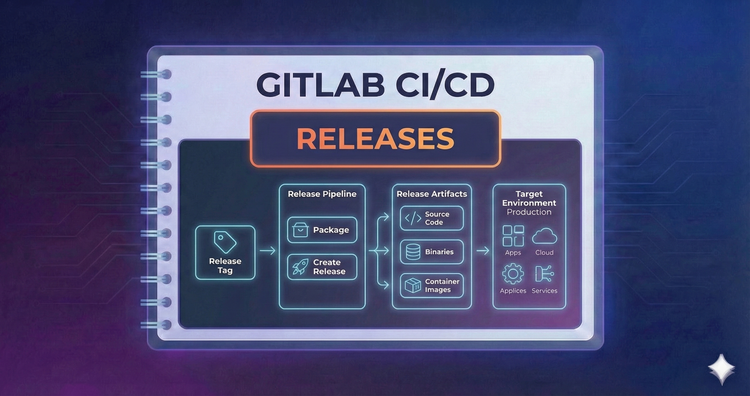
Gitlab CI/CD - Releases
Automate your changelog. We’ll use the Release keyword to automatically generate release notes, tag your commit, and attach binary assets, creating a formal snapshot of your software that users can download.
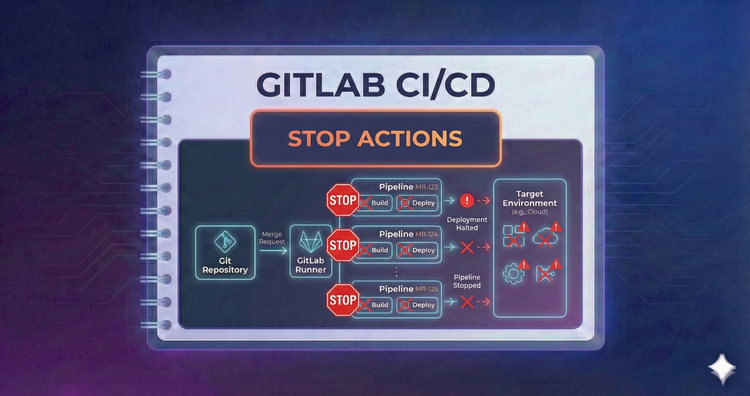
Gitlab CI/CD - Stop Actions
Clean up after yourself. We’ll define on_stop actions to automatically tear down temporary Review Apps when a Merge Request is merged or closed, preventing resource waste and keeping your infrastructure tidy.
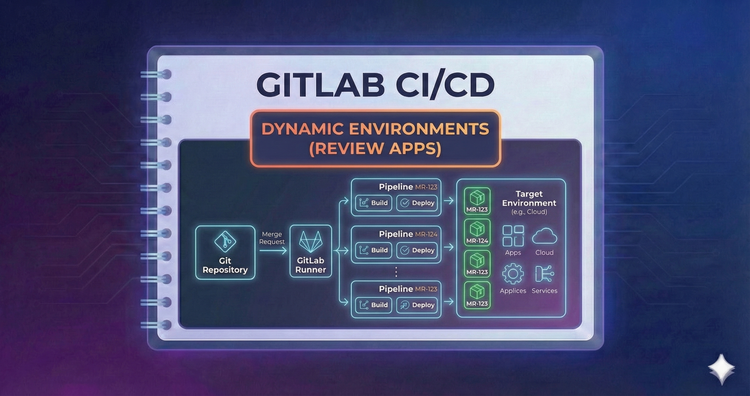
Gitlab CI/CD - Dynamic Environments (Review Apps)
Preview changes before merging. We’ll set up Review Apps to spin up a temporary, live environment for every Merge Request, allowing stakeholders to test new features in a browser immediately.
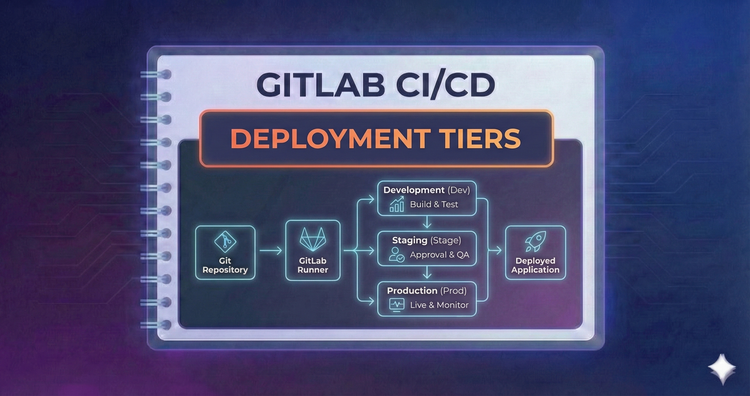
Gitlab CI/CD - Deployment Tiers
Organize your release strategy. We'll structure pipelines to deploy automatically to Staging for testing, while reserving Production for stable releases, potentially using Canary deployments to roll out changes gradually.
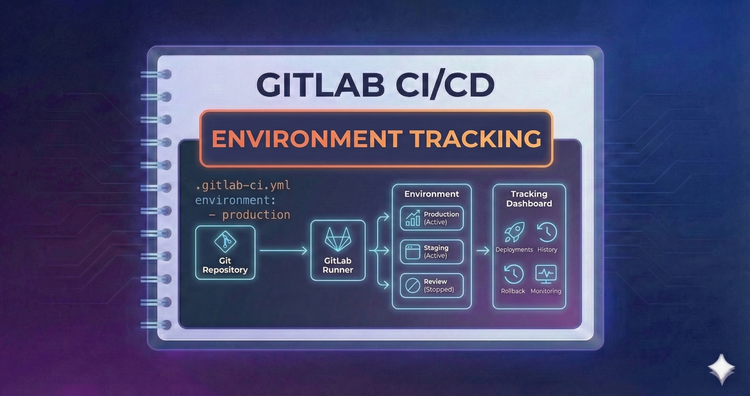
Gitlab CI/CD - Environment Tracking
Track where your code lives. By defining an environment in your job, GitLab tracks deployments in the UI, giving you a history of what version of code is currently running in Staging, Production, or Development.
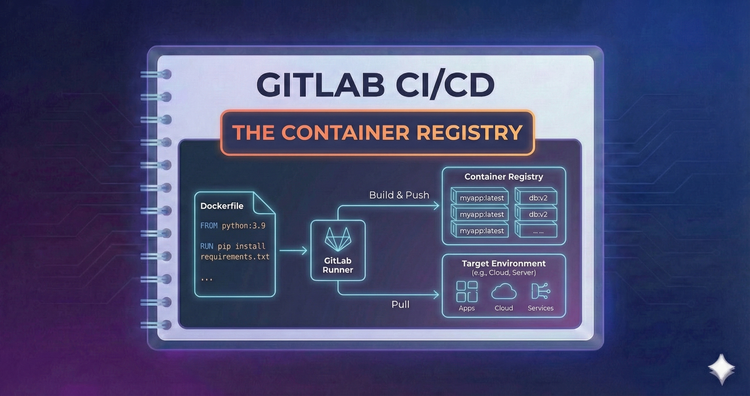
Gitlab CI/CD - The Container Registry
Once built, images need a home. We’ll authenticate with GitLab’s integrated Container Registry to push your build artifacts securely, making them instantly available for deployment or other projects to consume.
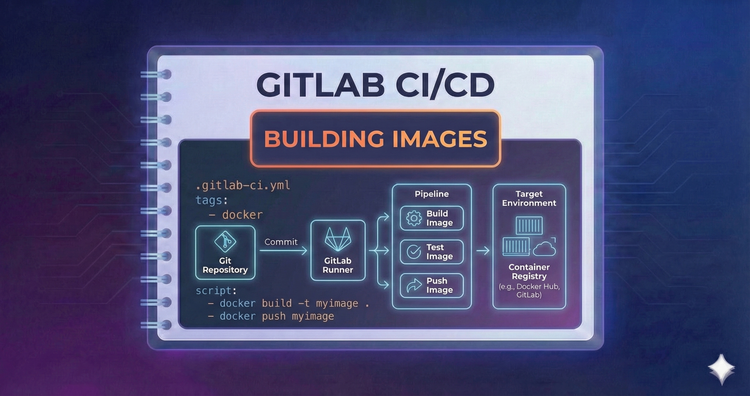
Gitlab CI/CD - Building Images
CI is the perfect place to bake Docker images. We’ll cover Docker-in-Docker (dind) for standard builds and explore Kaniko for building images in secure Kubernetes environments without needing privileged access.
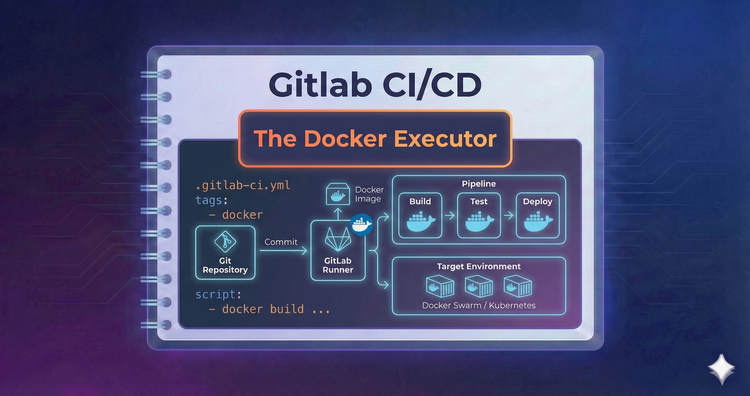
Gitlab CI/CD - The Docker Executor
Ideally, every job runs in a clean container. We’ll configure the Docker executor to pull specific images for each job, ensuring your tests run in the exact environment they need without polluting the host machine.
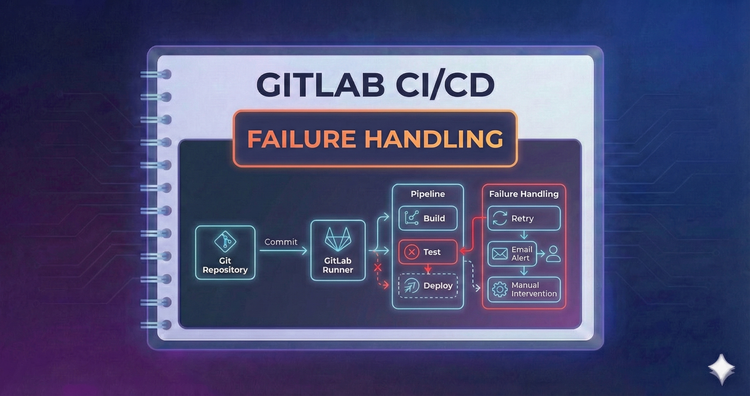
Gitlab CI/CD - Failure Handling
Flaky tests happen. We’ll configure allow_failure for non-critical jobs and use retry to automatically rerun jobs that fail due to temporary hiccups, ensuring your pipeline is robust against transient network issues.
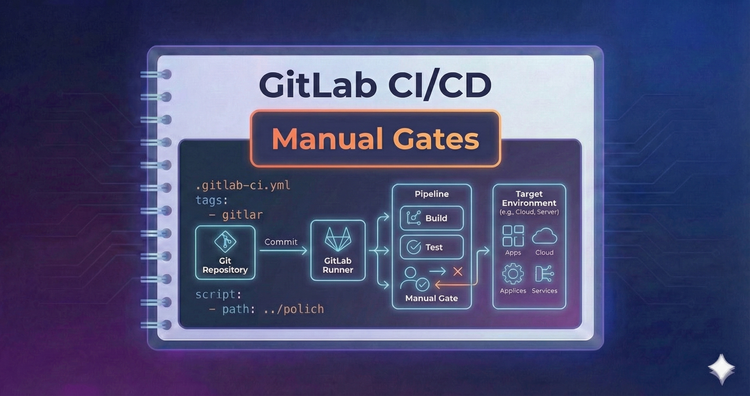
Gitlab CI/CD - Manual Gates
Not everything should deploy automatically. We’ll implement when: manual to create pause points in your pipeline, requiring authorized human intervention before proceeding to sensitive environments like Production.